

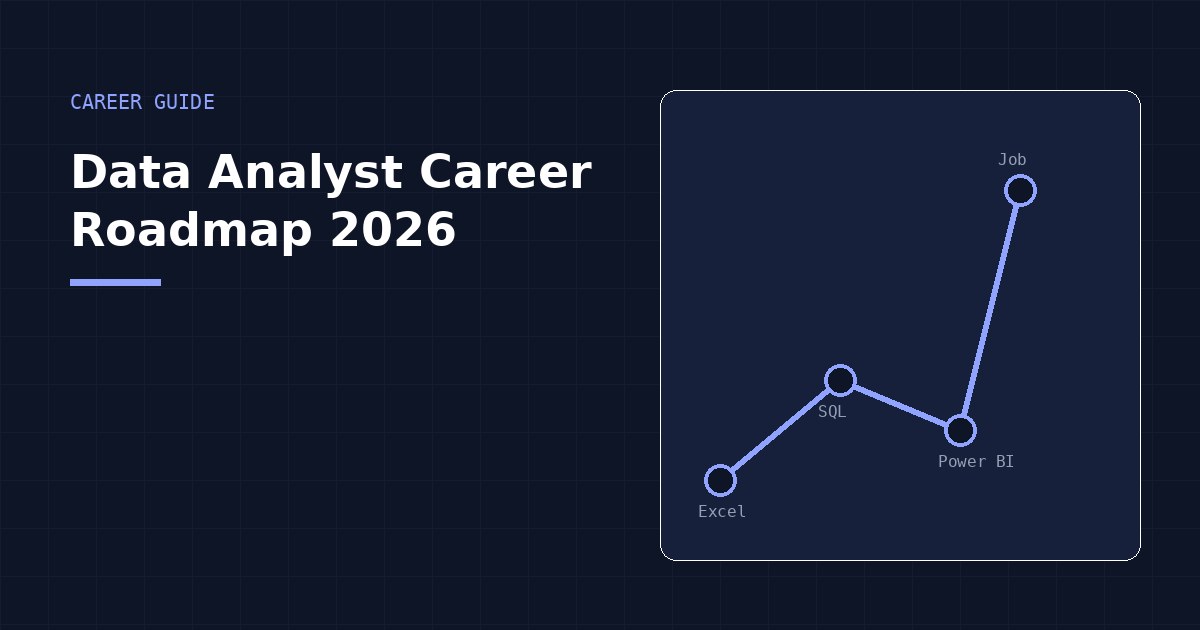
Data Analyst Career Roadmap 2026
Every year, "how do I become a data analyst" gets a slightly different answer as tools and hiring expectations shift. Here's a realistic, current roadmap for 2026 — built around what actually gets people hired, not just what looks impressive on a syllabus.
Step 1: Learn the Fundamentals (Excel)
Start here, even if your goal is eventually to specialize elsewhere. Excel teaches the core thinking behind all data analytics work: cleaning messy data, filtering, summarizing, and building your first dashboards. It's also still one of the most requested tools in entry-level data roles. Budget 3–4 weeks of consistent, hands-on practice — not passive video-watching, but actually cleaning and analyzing real datasets yourself.
Step 2: Learn SQL
Once you're comfortable pulling insights out of a spreadsheet, SQL is the natural next step — it's how you'll work with data that's too large for Excel, which describes most real business data. Focus on SELECT, WHERE, JOIN, and GROUP BY until you can comfortably answer a business question with a single query. Another 3–4 weeks is realistic for a solid working foundation.
Step 3: Learn Data Visualization (Power BI)
With Excel and SQL under your belt, Power BI (or a similar tool) teaches you to package your analysis into something decision-makers actually engage with — interactive dashboards instead of static reports. This is usually where people start feeling like a "real" analyst, because the output finally looks like the dashboards they've seen in job postings.
Step 4: Build a Portfolio Project
This step gets skipped constantly, and it shouldn't. A single, well-documented project — ideally using a messy, realistic dataset rather than a clean textbook one — is worth more in an interview than a list of completed courses. Pick one real business scenario (sales performance, customer churn, inventory trends) and take it from raw data all the way to a finished dashboard with clear recommendations.
Step 5: Get Certified
Certifications won't replace a portfolio, but they do two useful things: they signal structured, completed learning to recruiters scanning CVs quickly, and they give you a concrete deadline that keeps you accountable. Pick certifications tied to the tools you've actually practiced, not ones that just sound prestigious.
Step 6: Start Applying and Networking
Don't wait until you feel "ready" — most working analysts didn't feel ready either. Start applying once you have your portfolio project and core tools in place, and treat early rejections as normal, not as a sign to go back and learn more tools first. In parallel, build a visible presence — sharing your project on LinkedIn, engaging with other learners, and following data professionals — since a meaningful share of entry-level roles come through referrals, not cold applications.
A Realistic Timeline
For someone studying consistently alongside work or school, 3–6 months from zero experience to job-ready is a realistic range: roughly a month each for Excel and SQL, a few weeks for Power BI, and the remaining time split between your portfolio project and active job applications. Faster is possible if you can study full-time; slower is completely fine if you're fitting this around other responsibilities — consistency matters more than speed.
The single biggest factor separating people who get hired from people who stall isn't talent — it's whether they actually finish a real project instead of stopping at tutorials.
Follow this exact roadmap, structured
EDAH's Excel, SQL, and Power BI programs follow this roadmap directly — real datasets, a capstone project, and a certificate at each stage.
See all programs →